

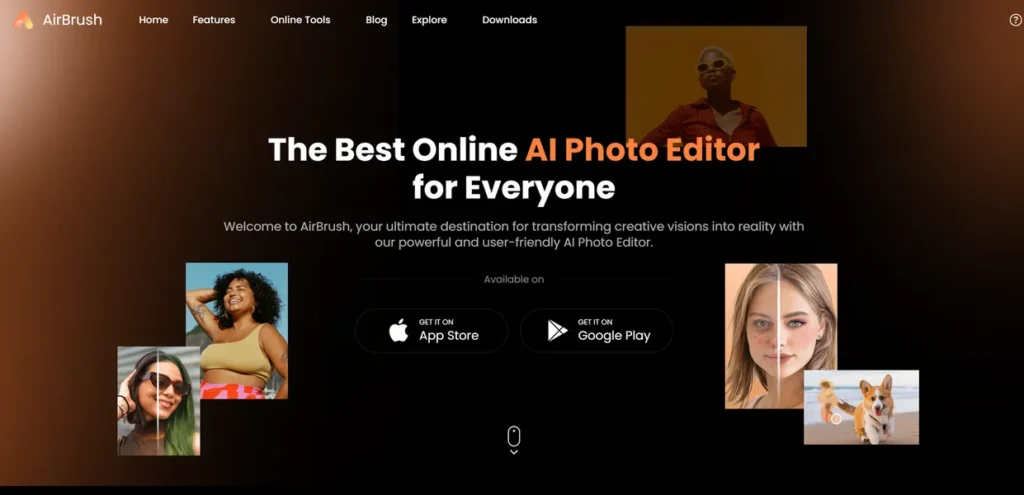
What is AirBrush AI Headshots?
In today’s competitive market, a professional online presence is non-negotiable, but the cost and time commitment of traditional photoshoots can be a significant drain on a small business’s resources. AirBrush AI Headshots presents itself as a practical solution to this problem. It is a cloud-based tool that uses artificial intelligence to generate new, professional-grade headshots or to edit existing photos. Instead of coordinating schedules, hiring a photographer, and paying for retouching services, this platform allows users to achieve polished results with a few simple uploads and clicks. For business owners, this translates into a direct opportunity to enhance team bios, LinkedIn profiles, and marketing materials without the typical overhead.
Key Features and How It Works
AirBrush AI Headshots streamlines the image editing process through a set of targeted, AI-driven features. The workflow is designed for efficiency: a user uploads one or more images and then selects a tool to apply an automated enhancement.
- AI-Powered Retouch: This feature automates the process of correcting minor imperfections. For a business, this means you can quickly clean up team photos, ensure consistent lighting across images, and remove blemishes without needing to hire a professional retoucher. The AI analyzes the portrait and applies subtle adjustments to enhance clarity and appearance.
- Photo Eraser: Unwanted objects or photobombers can ruin an otherwise perfect shot. The Photo Eraser tool allows you to select and remove distracting elements from an image, providing a clean, focused visual. This is particularly useful for refining product photos or event pictures for marketing use.
- Image Background Remover: Creating a uniform look for a company’s ‘About Us’ page can be challenging. This tool automatically detects the subject and removes the background, allowing you to replace it with a solid color, a branded graphic, or another scene. It’s a direct way to create professional, consistent headshots for your entire team.
- Face Swap: While a more niche feature for corporate use, the Face Swap tool can be used for creative marketing campaigns or internal concept visualizations. It allows you to digitally swap faces between different photos, offering a unique tool for generating engaging or experimental content.
Pros and Cons
Evaluating AirBrush AI Headshots requires a pragmatic look at its benefits versus its limitations from a business investment perspective.
Pros
- Cost-Effective: The primary advantage is its low cost compared to professional photography and retouching services. It’s a fractional investment for a comparable digital output.
- Time Efficiency: The platform significantly reduces the turnaround time for creating and editing images. What could take days or weeks with a photographer can be accomplished in minutes, accelerating marketing and branding projects.
- Ease of Use: The interface is designed for users without technical design skills. This means any member of your team can be tasked with updating headshots, freeing up resources and avoiding the need for specialized software like Photoshop.
- Versatility: While the name emphasizes headshots, its tools for background and object removal are applicable to a wide range of marketing assets, including social media posts and website banners.
Cons
- Requires Payment for Full Use: The free features are limited and serve primarily as a trial. To access the high-quality outputs needed for business purposes, a paid plan is necessary.
- Internet Dependency: As an online tool, its performance is entirely dependent on a stable internet connection. Slow or unreliable internet can create significant workflow bottlenecks.
- Learning Curve for Optimal Results: While user-friendly, achieving the best possible results from the AI requires some experimentation. Users will need to learn which types of input photos and settings yield the most professional outcome.
Who Should Consider AirBrush AI Headshots?
This tool is most valuable for individuals and organizations looking to maximize their visual branding on a budget. Key users include:
- Startups and Small Business Owners: For those who need to establish a professional web presence quickly and affordably. It’s ideal for creating polished team pages, LinkedIn profiles, and initial marketing materials.
- Marketing Teams: In-house marketers can use the tool to rapidly edit or generate images for campaigns, social media, and content marketing, reducing reliance on graphic designers for simple but crucial tasks.
- Sales Professionals and Real Estate Agents: Individuals whose personal brand is critical to their success can use it to ensure they have a consistent, high-quality headshot across all platforms.
- Freelancers and Consultants: A low-cost method for independent professionals to create a personal brand image that conveys credibility and competes with larger agencies.
Pricing and Plans
AirBrush AI Headshots operates on a direct, pay-per-use model, avoiding recurring subscription fees. This can be particularly advantageous for businesses with sporadic needs for photo editing or generation.
- Starting Price: $19 per one-time order.
- Available Plans: The pricing is structured on a ‘per headshot order’ basis. This model allows businesses to manage costs effectively by only paying for services when they are actually needed, eliminating the expense of an idle subscription. This is ideal for one-off projects like updating a company website or generating a new professional profile picture.
Disclaimer: Pricing information is subject to change. For the most current and detailed pricing, please refer to the official AirBrush AI Headshots website.
What makes AirBrush AI Headshots great?
The single most powerful aspect of AirBrush AI Headshots is its ability to deliver professional-grade photo editing and creation at a fraction of the traditional cost and effort. It effectively democratizes access to high-quality visual assets. For a small business, this levels the playing field, allowing them to project a polished and credible brand image that was previously only achievable with a significant budget for photographers and designers. The true value lies not just in the features themselves, but in the resources it saves—both capital and time—which can be reallocated to other core business activities. It directly addresses the need for high-impact visuals in a lean, efficient manner.
Frequently Asked Questions
- Do I need to provide my own photos to use the tool?
- Yes. For generating AI headshots, you typically need to upload a series of existing photos of the subject from different angles. For editing features like background removal or retouching, you will work with a single existing image.
- Are the generated headshots realistic enough for a professional website?
- The realism of the output largely depends on the quality and variety of the input images. However, the platform is specifically designed to produce high-fidelity, professional-looking results that are generally suitable for digital use cases like LinkedIn, company websites, and social media profiles.
- Can this tool completely replace a professional photographer?
- It depends on the context. For most digital branding needs—such as profile pictures and internal team pages—it is a highly effective and sufficient replacement. For high-stakes print campaigns, annual reports, or situations requiring specific artistic direction, a professional photoshoot may still be the better choice. It’s best viewed as a powerful tool for specific, high-ROI applications.
- What about the privacy of our team’s photos?
- Data privacy is a valid concern for any business uploading employee images. It is crucial to review the platform’s official privacy policy and terms of service to understand how your data is stored and used. Reputable AI services have security protocols in place to protect user data.